Adam Brzostek
Reading time: 2:00
Analytics news: October 2024
Higher data export limits for standard reports and explorations
Google has raised the limit for exporting data from the GA4 interface:
- 10,000,000 cells when exporting explorations to TSV or CSV files
- 100,000 rows when downloading standard reports as CSV or to Google Sheets
New realtime report showing the pages people are viewing right now
The new report shows the most viewed pages on your website or screens in your app over the last 30 minutes. It shows views and active users
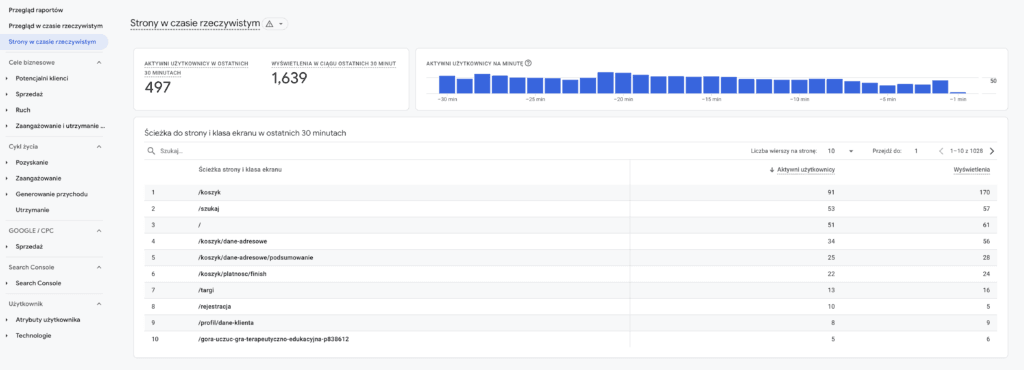
News and media site owners in particular will probably welcome this feature.
Saving and sharing segments
We can finally breathe a sigh of relief: Google has shipped a long-awaited feature.
You can now save segments and share them with other users of the property, something I think everyone has been waiting for. You need the Editor role. When you open the window for adding a new segment in an exploration, you'll now see the option to use segments you've saved or that others have shared with you. I think I remember that from UA. Well done, Google, for finally delivering something you already built years ago.
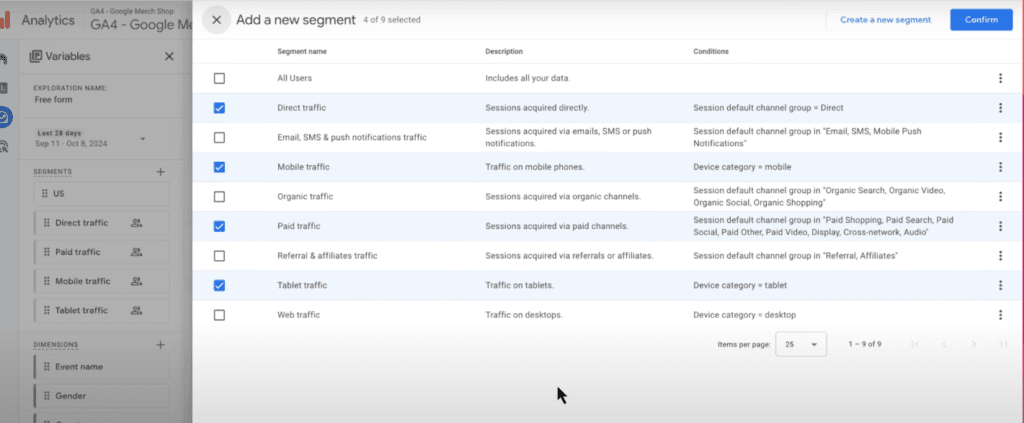
To edit or share segments, you'll need Editor permissions or higher. You'll also have the option to copy an existing segment.
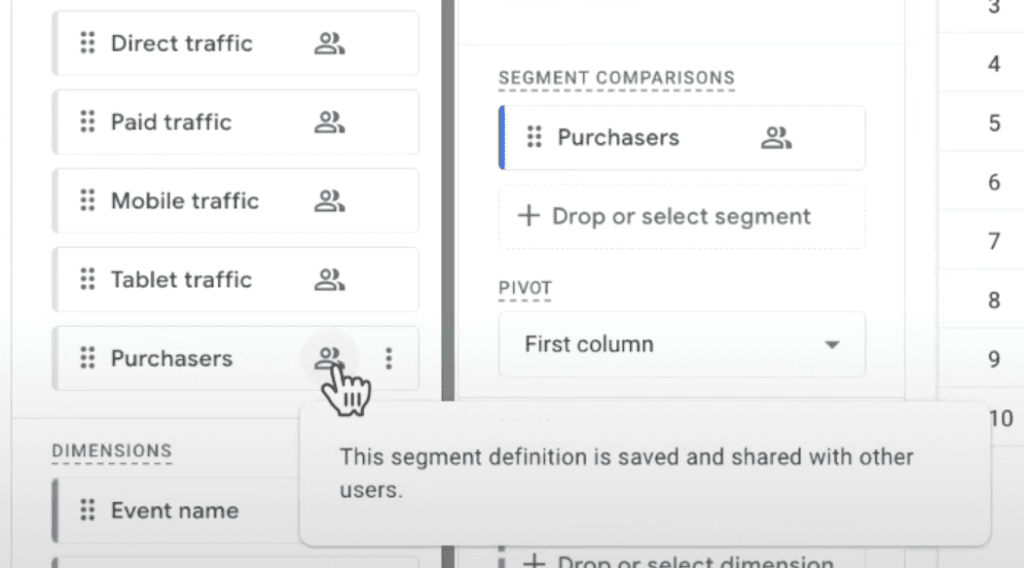
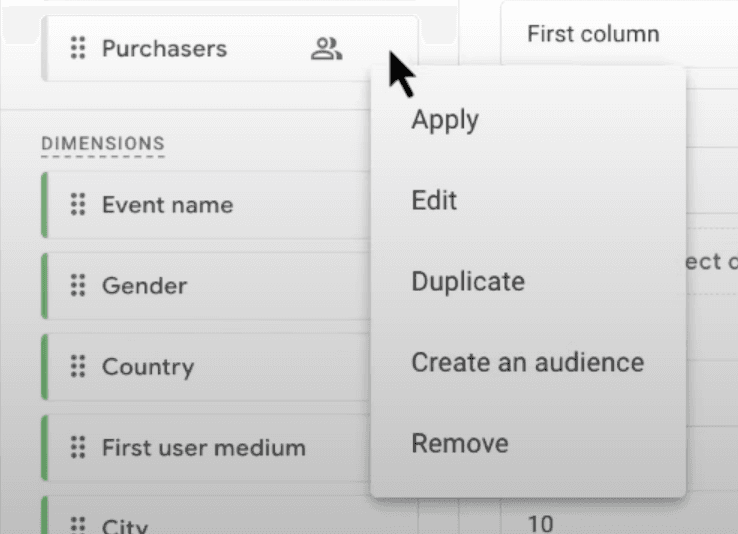
Along with this feature, there's a new tab in the Admin section. From there you can manage all segments and create new ones.
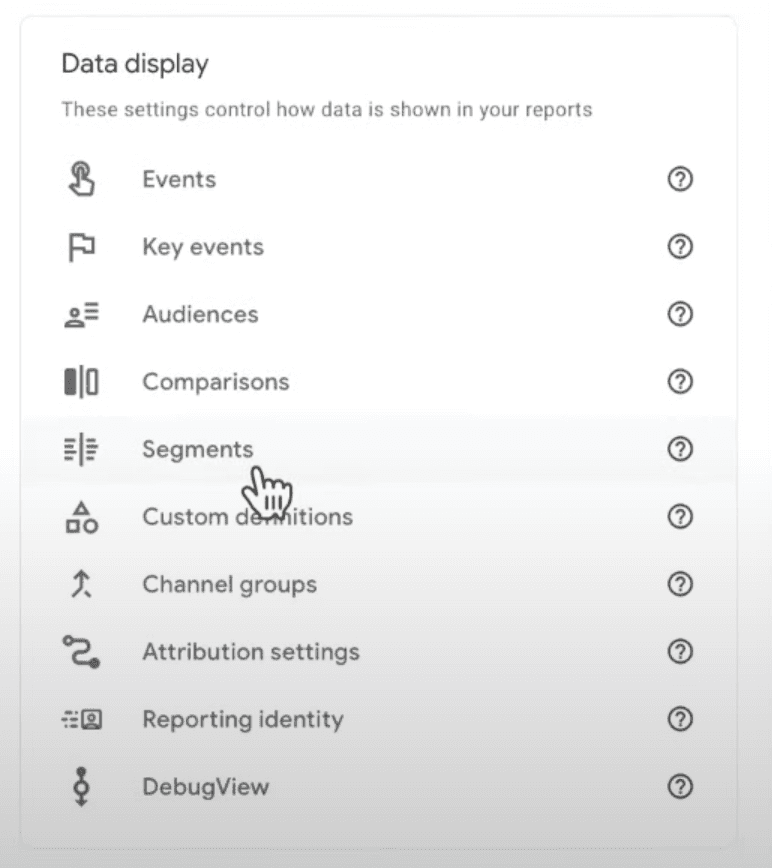
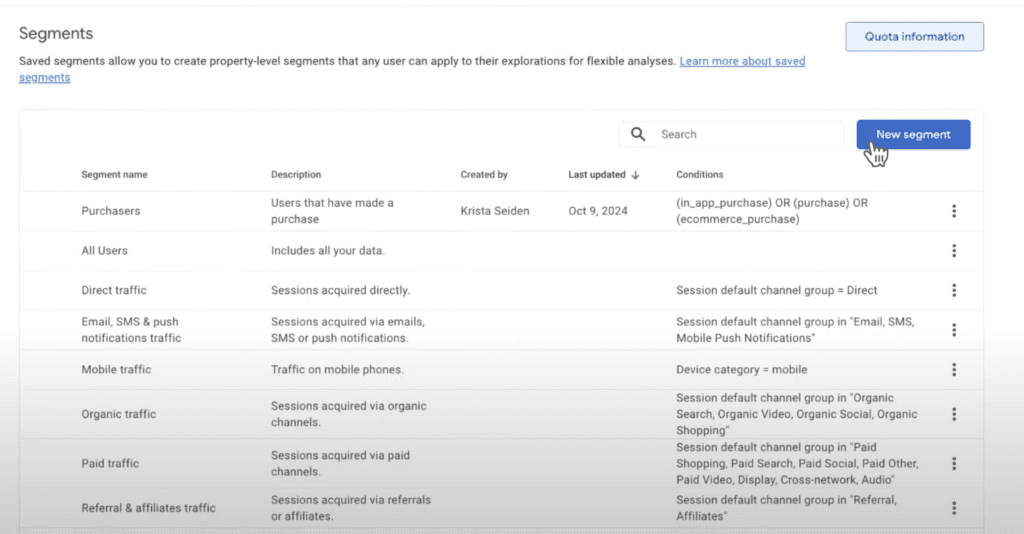
The feature isn't available in all accounts yet, but it should show up soon.
More traffic source dimensions in the BigQuery export
On July 19, Google added a completely new section to the BigQuery export, session_traffic_source_last_click, and has now extended it with additional fields. The list of session-level traffic source dimensions is now really impressive. You'll find the full list here: https://support.google.com/analytics/answer/7029846#zippy=%2Csession-traffic-source-last-click
Benchmarking
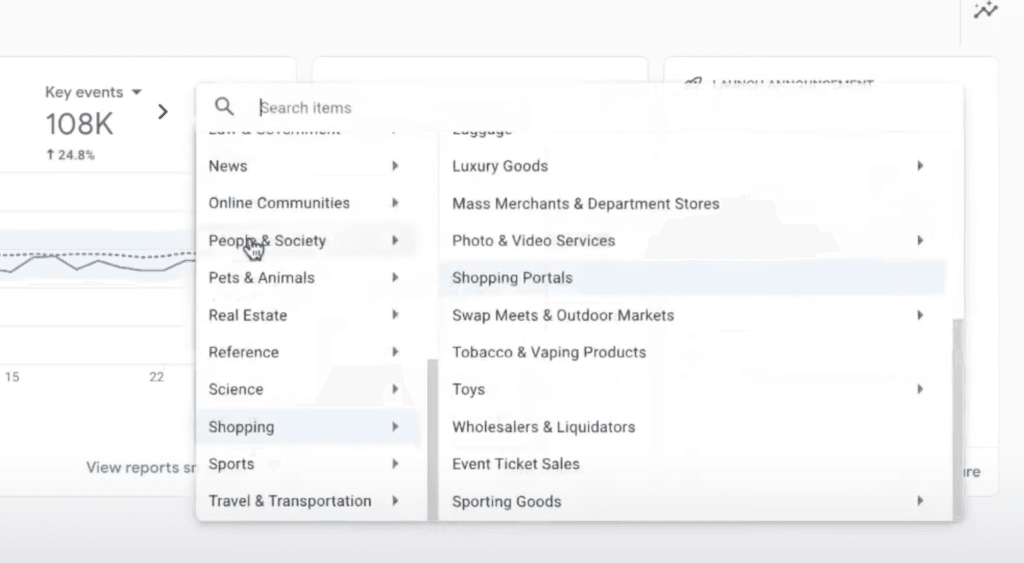
GA4 is introducing a completely new feature called benchmarking. It's available in the overview reports and shows how your site compares with other sites in the same industry.
You can choose which metric you want to compare.
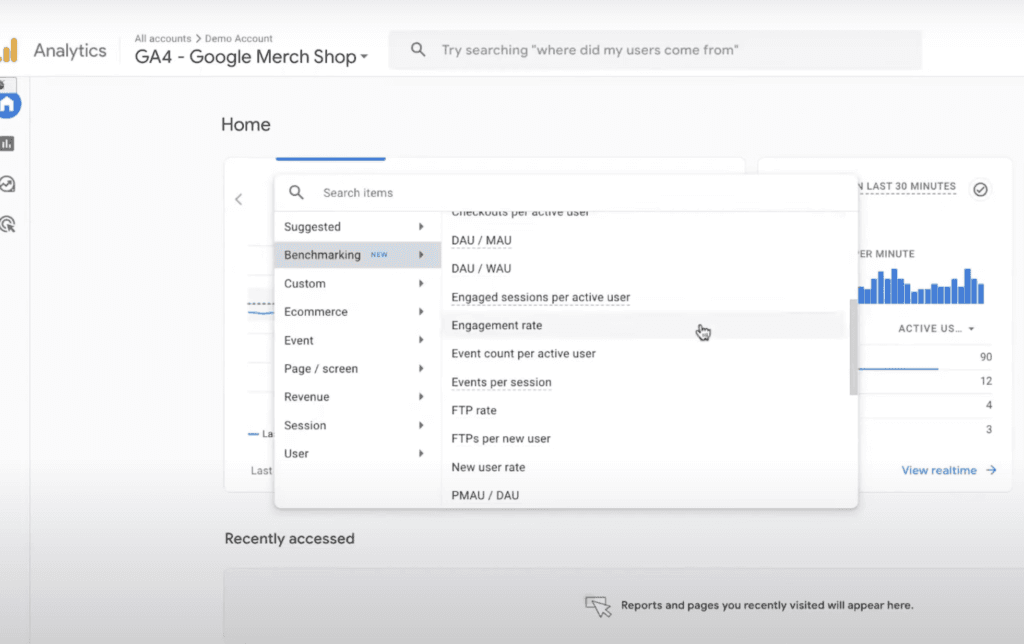
You can turn the comparison off at any time.
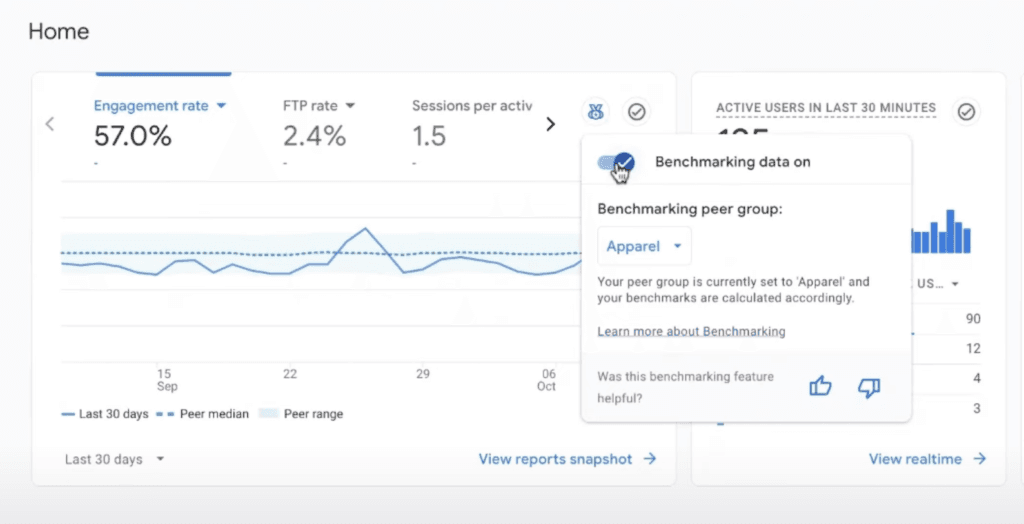
If needed, you can also change the industry category, which by default comes from your data stream settings.